 21
Jan
21
Jan
PT201 Pro Tools Production I.
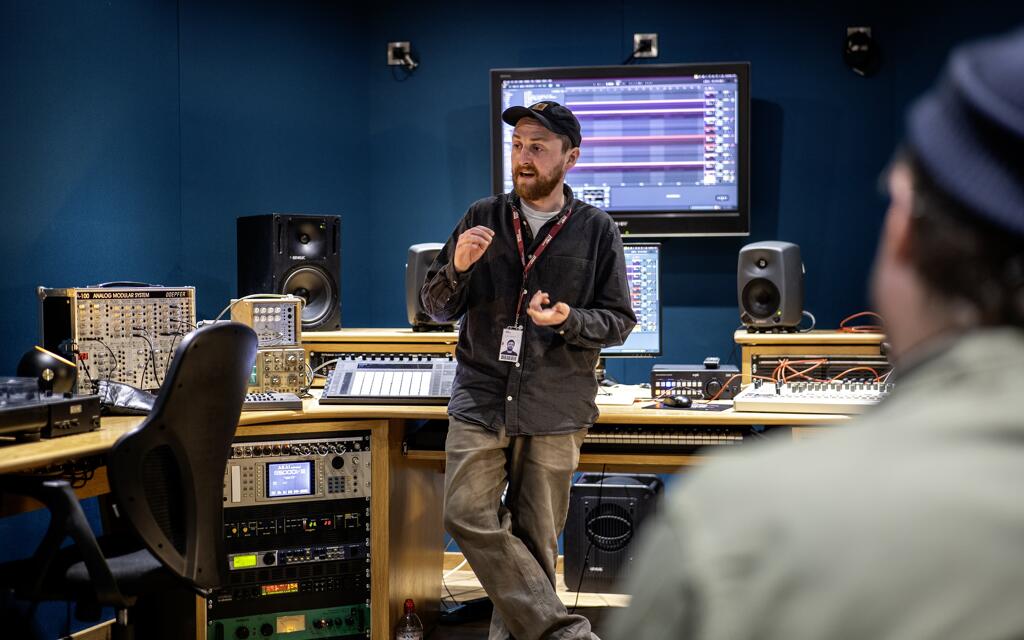
PT201 covers the core concepts and skills needed to operate an Avid Pro Tools | Ultimate system with HD-series hardware in a professional studio environment. This course builds on the Pro Tools Fundamentals I and II series of courses, providing intermediate and advanced-level Pro Tools concepts and techniques.
Overview
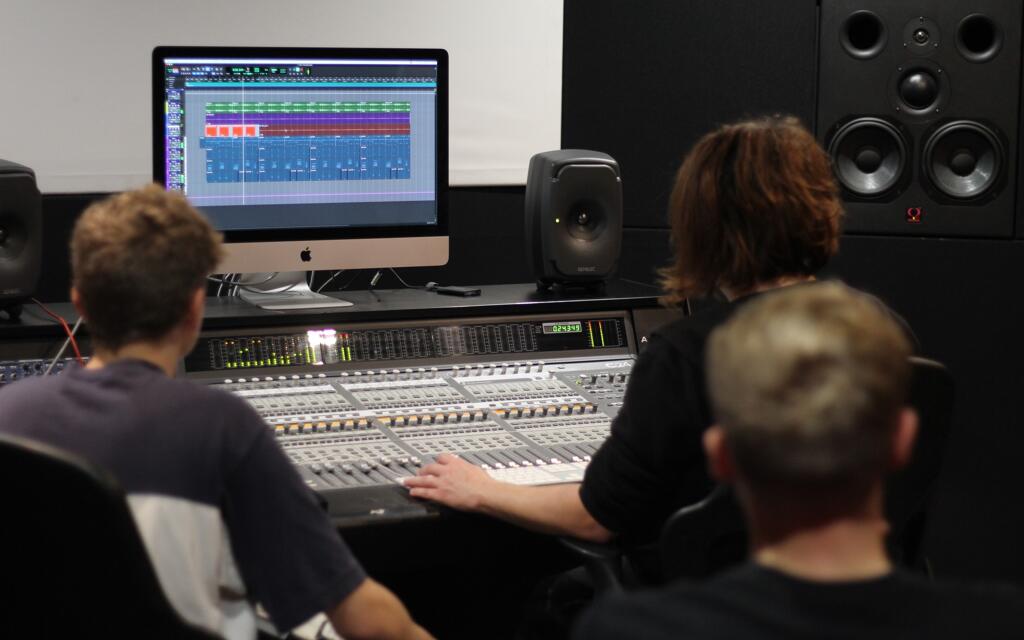
You will learn to customize the configuration of Pro Tools | HD Native systems to maximize results and improve recording, editing, and mixing workflows. The hands-on exercises provide experience optimizing system resources, configuring I/O, navigating and color-coding sessions, managing session media, using advanced selection and auditioning techniques, working with clip gain, applying advanced automation techniques, creating submixes and applying parallel processing, advanced mixing and finishing techniques for a final mixdown.
At the end of this course you will be able to:
- Configure settings to optimize a Pro Tools | Ultimate system with HD-series hardware
- Customize I/O settings
- Work with Window Configurations
- Manage voice allocation and disk allocation options
- Share tracks for collaboration using a variety of techniques
- Index volumes for quick searching with a Workspace browser
- Use advanced selection, nudging, and shifting techniques
- Use advanced auditioning techniques, including pre-and post-roll auditions
- Use alternate Edit tools and advanced editing techniques
- Use clip alignment techniques, such as snap-to-heads, snap-to-tails, and snap-to-sync point
- Use basic Commands Keyboard Focus mode shortcuts
- Work with clip gain
- Use advanced automation functions, including AutoMatch, Manual Write functions, and Write on Stop functions
- Setup and use AFL and PFL solo modes
- Use submixing techniques and bus interrogation techniques
- Work with VCA Master tracks
- Understand a variety of common mixdown techniques
This course provides the foundational training for the Avid Certified Operator: Pro Tools | Music and Avid Certified Operator: Pro Tools | Post certification exams. Candidates wishing to sit either of these certification exams must have firstly passed the Avid Certified User: Pro Tools certification exam
Key info
- Qualification: PT201 course completion certificate
- Duration: 2 days
- Hours of study: 10am - 6pm
- Fees: £500
- Entry Requirements: Pro Tools Fundamentals I and II. Find out more
Get in touch
Get in touch
If you have any questions about this course, your application or if you'd like to arrange a tour of Spirit Studios, please get in touch on:
0161 276 2100 OR Contact us
21
Jan
Entry requirements
- Pro Tools 101 Pro Tools Fundamentals I
- Pro Tools 110 Pro Tools Fundamentals II
Or equivalent experience
Fees and funding
- £500 Payable on application
If you have any queries regarding fees and funding, please get in touch.
Any questions? Speak to one of our course advisors

If you have any questions about this course, your application or if you'd like to arrange a tour of Spirit Studios, please get in touch on:
Related courses
We offer a range of Pro Tools courses, including:
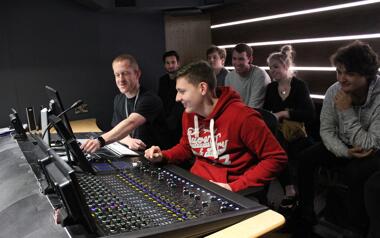
Pro Tools Course
View course
PT101 Pro Tools Fundamentals I
Duration:
2 Days
Entry requirements:
Knowledge of audio recording and DAW basics is required
Key areas:
Audio production, editing and mixing
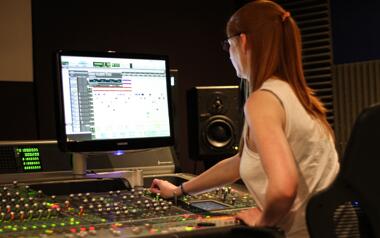
Pro Tools Course
View course
PT110 Pro Tools Fundamentals II
Duration:
3 days
Entry requirements:
Pro Tools Fundamentals I, or equivalent experience
Key areas:
Recording, clip-based editing and mixing
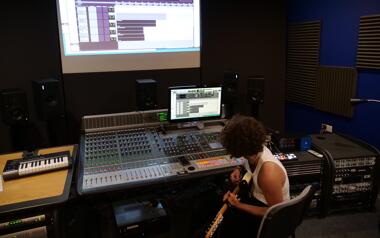
Pro Tools Course
View course
PT210M Pro Tools Production II (Music Production)
Duration:
3 days
Entry requirements:
Pro Tools Fundamentals I, Fundamentals II and Production I
Key areas:
Fine-tune automation, static automation and advanced MIDI production techniques